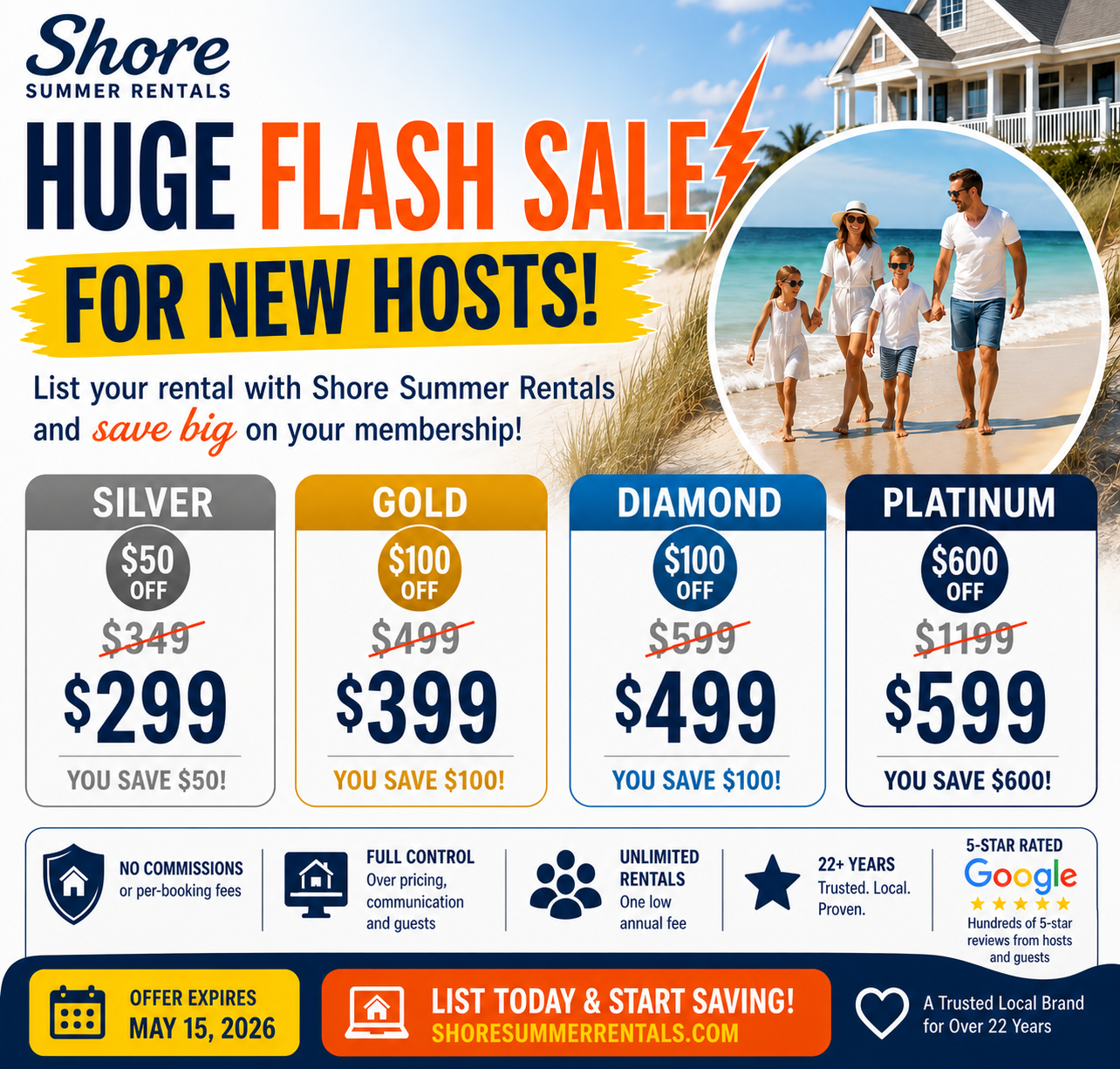
Save Big on Your NJ Shore Vacation Rental
Trusted by NJ Shore hosts for over 22 years — no commissions, just results.
FLASH SALE INSTRUCTIONS
1. Click on “LIST RENTAL”.
2. Choose the Membership type and click “SELECT”.
3. Fill out the Registration page and click “REGISTER”.
4. Fill out the Listing Information page and click on “SUBMIT.
5. Click on “CONTINUE” to get to the “ORDER SUMMARY” page.
6. Enter promo code that applies (see below) and click "APPLY".
- Platinum: flash600off
- Gold or Diamond: flash100off
- Silver: flash50off
7. Choose your Payment Type.
8. Check the “I agree to your Terms of Use and Legal Disclaimer” button.
9. Click on “PROCEED TO MAKE PAYMENT”.
10. Enter your payment details and click on “MAKE PAYMENT”.
11. Once payment is made, you will be directed to your dashboard.
12. Click on EDIT to enter the details of your home and to upload your images.
13. Click on RATES to enter your rental rates. View instructions.
14. Click on CALENDAR to update your availability calendar. View instructions.
15. View our instructions on editing and creating your listing here.
16. Click on PREVIEW to see how your rental listing appears on ShoreSummerRentals.com.
DONE. We will be in touch by email within 24 hours after we review your listing and verify ownership. If we cannot verify ownership on our end, we will ask you to supply us with a utility bill or the like.